
Upper Keys
Wi-Fi Opener Setup in Tavernier
Wi-Fi opener setup is for a wall button that runs the door while the phone does not. It is also for an owner who wants the opener on the house network. Some models include Wi-Fi, and some take a manufacturer accessory made for that cover. The password is entered at the house and does not go on the form. There is no monitoring plan at all, and Wi-Fi does not move a door during a power cut.
Wall button versus the phone
If the wall button runs the door and the phone does not, the opener itself can still travel. The fault may be the network, the accessory, or a control that was never learned to the app. A door that will not move from the wall button is fixed before any Wi-Fi work. People also ask to add Wi-Fi to an opener that never had it. The model stamp decides whether the radio is built in or added on.
What you can check
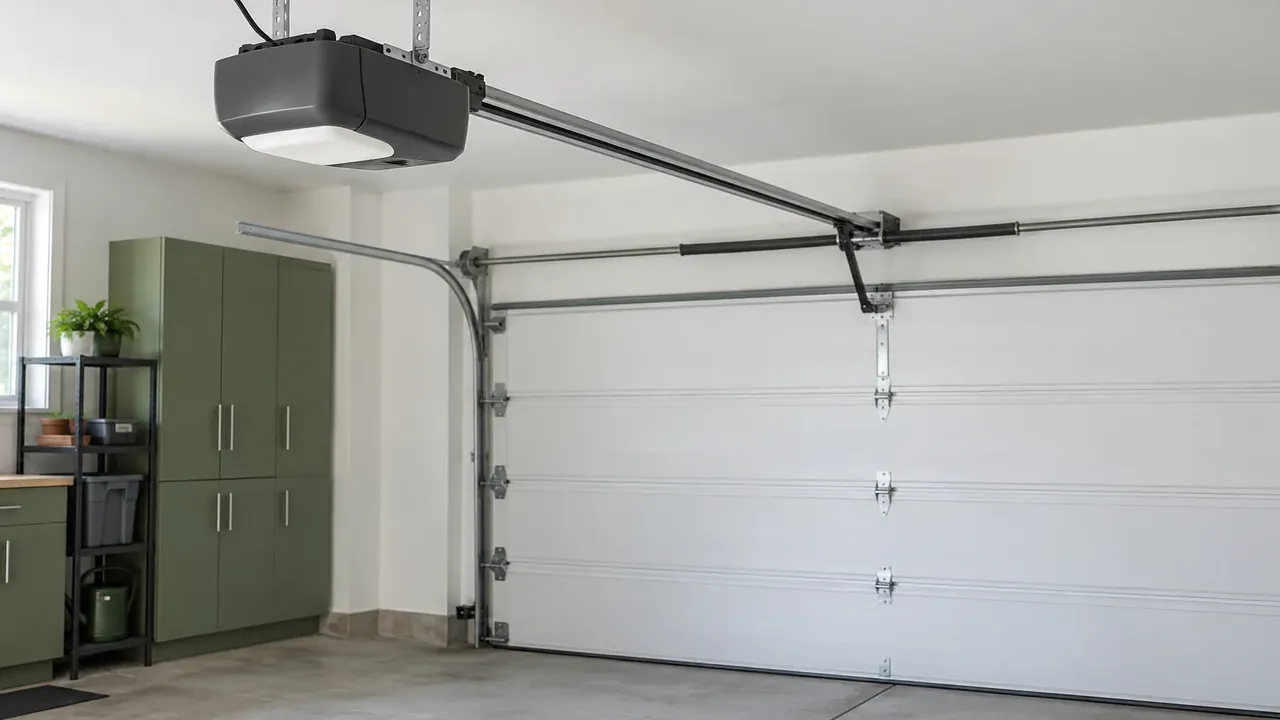
Confirm that the wall button still opens and closes the door before you blame the phone app. See whether your opener shows a Wi-Fi mark or a port for a matching accessory. Restart the phone app only after the door is known to travel freely from the wall. Do not put the network password on a web form at all. Never touch the springs, and do not clear the opener memory while a working remote is still needed today.
Built in or an accessory
The visit reads the model and says whether Wi-Fi is already inside or needs the maker's accessory. A module from a general electronics aisle is not what this operator was designed around. The accessory, when one is required, is the one produced for that model. Setup happens at the house, on the network you choose, and the password stays there. A door that is heavy or out of balance is corrected before the radio is treated as the failure.
Password power and monitoring
The password is typed at the opener or in the app at the house. It is not written on the form and it is not stored. There is no monitoring plan of any kind attached to this visit. During a power cut, Wi-Fi does not move the door at all. The opener has no house power to answer your own phone then. A battery pack, on models that have one, is a separate question from the Wi-Fi radio.
Damp air and storms
A basin lot in Tavernier salts an opener board sooner than an inland lot. The film can look like a dead radio on the wall control. Humidity in the housing makes a wall button work while the phone app drops off. Salt reaches the terminals sooner when the unit sits closer to the water. Storms cut power, and the phone cannot move the door until power returns. The setup still depends on a door that travels from the wall button.
Request this visit.
Call (645) 256-1794 about this door.
We answer any hour Sunday through Friday.
Saturday stays closed.
Keys Door Co is family-owned, local, and insured.
We have worked this coast for over ten years.
Common questions
Why does the wall button work when my phone does not?
The opener still moves the door, so the app, network, or module is the fault. The model stamp decides if that radio is built in or added on. Wall travel is fixed before the phone is blamed for the failure.
Where do I enter the Wi-Fi password?
The password is entered at the house, on the opener or in the app. It does not go on the form and it is not part of callback. There is no monitoring plan sold with the setup at the house.
Will Wi-Fi open the door during a power cut?
Wi-Fi does not move a door during a power cut at the house. The opener needs house power before it can answer the phone at all. A battery pack can move the door in an outage, while the app stays off.
Request service
Name the street and whether the door is up, down, or stuck.
- Repairs and replacement parts
- Openers and controls
- New garage doors