
Upper Keys
Wi-Fi Opener Setup in Key Largo
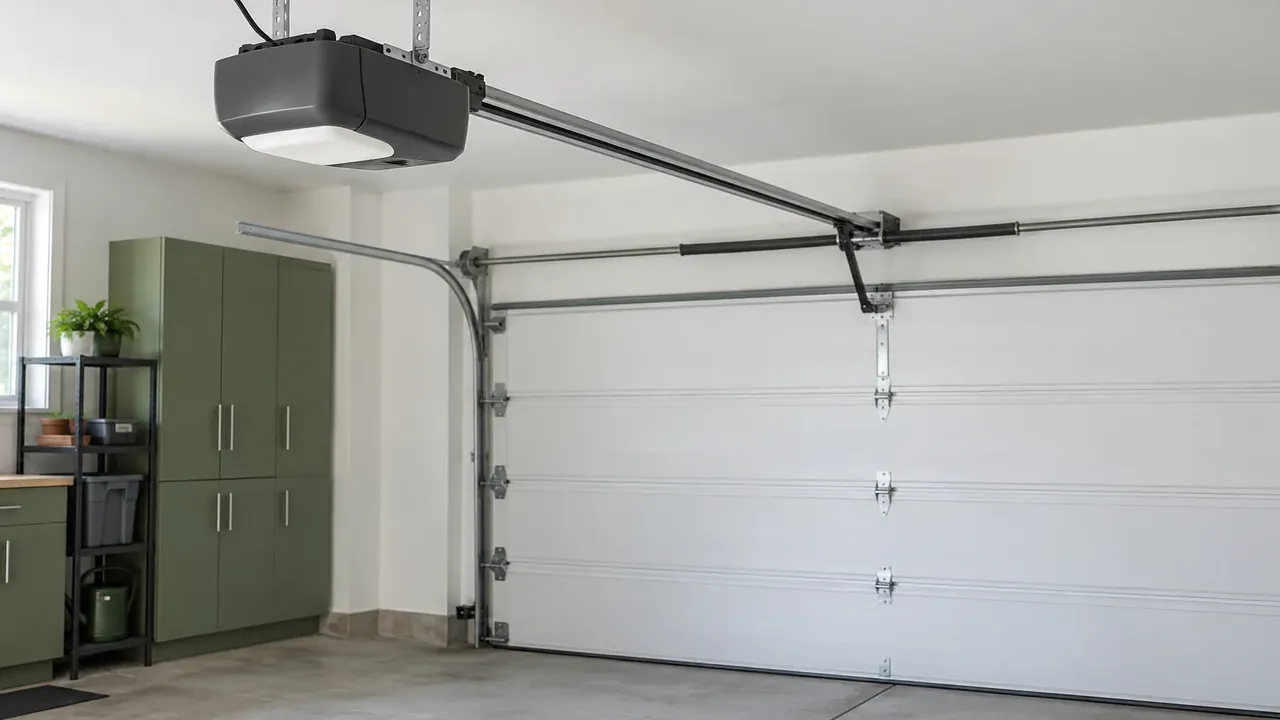
Some models include Wi-Fi in the housing, and some take a manufacturer accessory built for that model. The password is entered at the house, and it stays off the service form. There is no monitoring plan sold with the setup. Wi-Fi does not move a door during a power cut, because the opener still needs house power to travel.
The phone is quiet and the wall button works
If the wall button moves the door and the phone does nothing, the opener may still be healthy. The app can be signed out, the home network can be down, or the opener may never have joined it. A model without built-in Wi-Fi needs the accessory made for that cover, when the manufacturer offers one. A blinking light can be a door fault that only looks like a network problem.
Checks at the wall and on the phone
Confirm the wall button still opens and closes the door with a brief press. Check the lock button, the photo eyes, and the batteries in any handset you still use. Restarting the home router is a fair test to see whether the opener returns in the app. Leave the Wi-Fi password off the form, and speak it only when someone is at the house. Springs, cables, and set screws stay untouched, and the eyes should not be taped over.
Join the network or add the accessory
On the visit the cover model is read so we know whether Wi-Fi is built in or added. An accessory is used only when that manufacturer made one for the model on the door. The phone is paired at the house, on the network the opener can actually see. A heavy door is still a spring job, and putting the opener online does not lighten it. If the logic board is dead, a network accessory has nothing healthy to talk to.
What the signal can and cannot do
The opener has to be in range of the home router, and a thick wall can be the whole problem. The app can send an open or a close only while the opener has power and a working radio. During a power cut the phone cannot travel the door, with or without a full battery icon. There is no subscription that watches the door for you after the setup is finished.
Storms power cuts and openers outdoors
Storms and power cuts on Key Largo are when people learn the phone cannot move a dead opener. Houses on stilts often leave the unit in the weather, where humidity and salt air reach the board. An open bay and an enclosed garage can both lose the router when the power drops. Salt film on the eyes still reverses a close, and Wi-Fi does not correct a dirty lens.
Request this visit.
Call (645) 256-1794 about this door.
We answer any hour Sunday through Friday.
Saturday stays closed.
Keys Door Co is family-owned, local, and insured.
We have worked this coast for over ten years.
Common questions
The wall button works and the phone does not. Is the opener bad?
The opener can be fine while the app is signed out, the router is down, or Wi-Fi was never joined. Check the lock button, the eyes, and the handset batteries before blaming the motor. The cover model shows whether Wi-Fi is built in or needs a manufacturer accessory.
Where do I put the Wi-Fi password?
The password is entered at the house, on the phone or the opener, and it stays off the form. Nobody needs it written into the service request. The visit pairs the opener to the network you can see from that opening.
Will the phone run the door during a power cut?
The phone cannot move the door when the opener has no electricity, even if the phone itself is charged. Wi-Fi comes back only after the opener and the router have power again. A battery pack, on a model that has one, is a separate question from the network.
Request service
Name the street and whether the door is up, down, or stuck.
- Repairs and replacement parts
- Openers and controls
- New garage doors