
South Dade
Wi-Fi Opener Setup in The Hammocks
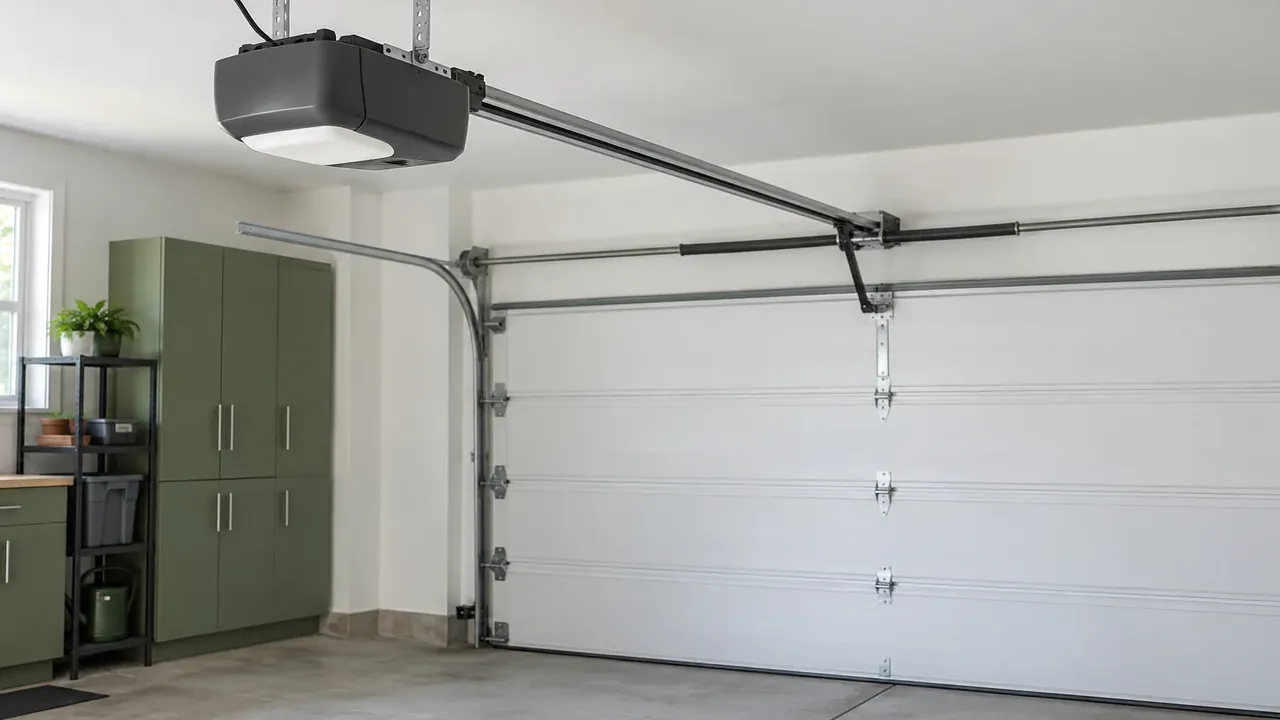
Some openers include Wi-Fi, and older ones may take a manufacturer accessory. The wall button may run the door while the phone does not, which points at the radio. A generic plug stays off until the label shows the maker supports it. The password is entered at the house and stays off the form. There is no monitoring plan, and the provider is separate from the opener.
Which openers can join the network
A unit that includes Wi-Fi differs from an older unit waiting on a manufacturer accessory. Read the serial label from inside, because housing color repeats along the row. The garage beside yours may have been replaced, so it cannot order the parts for your rail. Limits are set on the mounted opener before any attempt to join the household network. A phone that stays quiet while the wall button travels is the usual reason for this visit.
What you can try at the wall
Confirm the wall button still runs the door, and say whether the phone app does anything at all. You can see if the opener lamp blinks when the app tries to move the door. Do not factory-reset the opener, because that can wipe remotes that still work. Speak the password only when you are at the house, and keep it off the form. Never touch the springs while you test the wall button, the app, or the remote.
Join the network, then stop
The join happens when the model supports Wi-Fi or the radio accessory made for that model. People who live there enter the password at the house, and the app account stays theirs. If neither the wall button nor the phone travels, the visit looks at the rail and at balance. A sound motor can remain while the radio or the account explains the quiet phone. Limits are corrected before the opener is asked to join, so travel is real.
What a power cut changes
Wi-Fi does not move a door during a power cut, because the network falls too. The phone may still show an older position, and that screen is memory rather than motion. A battery the opener supports belongs on another visit, apart from this radio join. Say whether the trouble started when the power returned, and leave the force dial where you found it. A failed router is the household network, separate from any part hanging on the rail.
Hot roofs and busy two-car sections
The Hammocks repeats two-car sections, and one ceiling's opener can differ from the bay beside it. Hot roofs sit on the board that holds the Wi-Fi radio through the afternoon. Busy cycles still depend on the wall button when the phone cannot move the door. The label on this unit decides whether Wi-Fi is built in or added on. If a gate serves the block, the code stays off the form, and so does the password.
Request this visit.
Call (645) 256-1794 about this door.
We answer any hour Sunday through Friday.
Saturday stays closed.
Keys Door Co is family-owned, local, and insured.
We have worked this coast for over ten years.
Common questions
The wall button runs and the phone stays quiet. What failed?
The motor may be fine when the wall button runs the door and the phone does not. The radio, the account, or the home network is the likelier fault on that ceiling. Say which control still travels, and speak the password only when you are at the house.
Does the phone move the door during a power cut?
Wi-Fi does not move a door during a power cut, even with the opener on the network. The network drops with the utility, so the app has nothing live to send. Say whether the wall button works after the lights return on this bay.
Why does the password stay off the form?
The password is entered at the house, and it does not belong on the form with the request. The app account stays with the household, and there is no monitoring plan in this visit. A gate code, if the block uses one, stays off that form as well.
Place reference: U.S. Census Bureau census designated places
Request service
Name the street and whether the door is up, down, or stuck.
- Repairs and replacement parts
- Openers and controls
- New garage doors